
What's the Difference Between Todos and Sticky Notes? When to Use Each
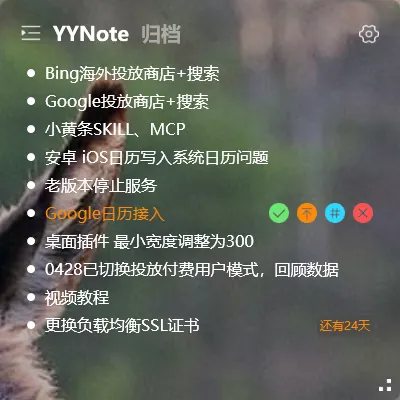
Many people can’t tell the difference between todos and sticky notes. They use sticky notes for tasks and todos for random ideas — then find that notes don’t support reminders and todos aren’t great for capturing fragmented thoughts.
The difference is actually quite simple.
Core Difference
Section titled “Core Difference”| Todo | Sticky Note | |
|---|---|---|
| Essence | A task to execute | Content to record |
| Reminder | Supported | Not supported |
| Recurrence | Supported | Not supported |
| Calendar | Schedule type shows on calendar | Not shown |
| Purpose | Task management | Information recording |
When to Use Todos
Section titled “When to Use Todos”Things with a clear execution time — use a todo:
- Call the client tomorrow morning (reminder)
- Submit weekly report every Friday (recurrence)
- Release on December 25th (countdown)
- Meeting at 3 PM (schedule)
The core of a todo is “time” — best for tasks that need to be done on time or require completion status tracking.
When to Use Sticky Notes
Section titled “When to Use Sticky Notes”Content with no time pressure — just things you want to note down — use a sticky note:
- Meeting minutes and key conclusions
- Creative ideas that pop into your head
- Shopping list (no reminder needed)
- Colleague’s name and role (temporary reference)
- URLs, account info, or other temporary information
The core of a sticky note is “recording” — best for fragmented information that doesn’t need execution.
A Simple Rule
Section titled “A Simple Rule”Ask yourself one question: Does this need a timed reminder?
If yes → Todo If it’s just for later reference → Sticky Note
Using Them Together
Section titled “Using Them Together”A common workflow: during a meeting, use sticky notes to jot down key points (no reminders needed), then after the meeting, convert actionable items into todos with reminder times set.