
How Does Multi-Device Sync Work? YYNote Data Sync Explained
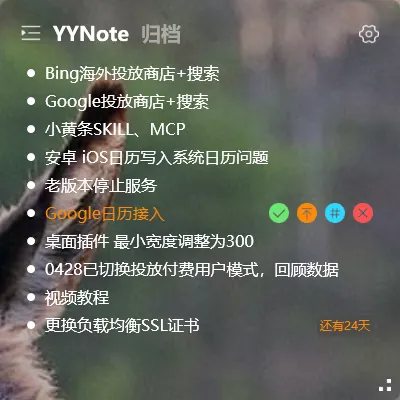
YYNote stores your data in the cloud. Once you log in, data is automatically synced to your current device.
Understanding this mechanism helps you make better use of the multi-device feature.
Basic Sync Principle
Section titled “Basic Sync Principle”Every account has a cloud-based data storage space.
- Create a todo on device A → data uploads to the cloud
- Open the app on device B → pulls the latest data from the cloud → sees the todo created on device A
All operations are incremental: create, edit, complete, delete — each action is synced.
When Sync Happens
Section titled “When Sync Happens”YYNote triggers sync at the following times:
- When the app starts up
- When the app returns to the foreground
- After each operation (create, edit, complete, etc.)
- When the network is restored (transitioning from offline)
No manual triggering required — sync is automatic.
Offline Use
Section titled “Offline Use”Without a network connection, YYNote continues working locally. All operations are stored on the device.
Once the network is restored, offline operations are automatically synced to the cloud — no data loss.
Multi-Device Simultaneous Use
Section titled “Multi-Device Simultaneous Use”There is no limit on the number of simultaneously connected devices.
Operations on device A sync to the cloud → device B pulls updates at the right time → both devices eventually have consistent data.
If two devices operate at the same time (e.g., both create a new todo simultaneously), the system merges the conflicts. Both todos will appear on both devices.
Troubleshooting Sync Issues
Section titled “Troubleshooting Sync Issues”If sync is not working properly, try these steps:
- Mobile: Reinstall the app and log in again
- PC: Delete the YYNote folder and restart the app
Your data is stored in the cloud and belongs to you — reinstalling will not cause data loss.
Login Methods
Section titled “Login Methods”YYNote supports 6 login methods: WeChat, QQ, Huawei, Google, Apple, and Microsoft. Log in with any method to access your data across devices.
Final Thoughts
Section titled “Final Thoughts”No flashy new features, just continuous refinement. Cloud sync means devices are no longer the boundary of your data — your data follows your account.