
How to Make Desktop Widget Start on Boot? YYNote Autostart Setup
Published on
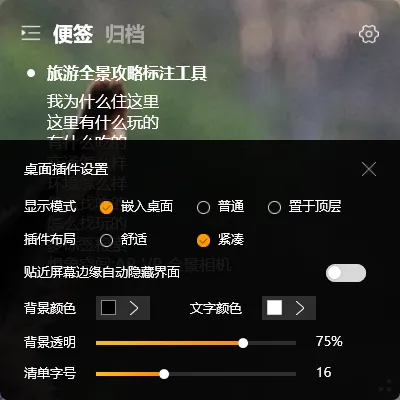
Do you manually open YYNote every time after booting up just to see your desktop widget?
Enable autostart, and the desktop widget will appear automatically after logging into Windows — no manual steps needed.
Setting Up Autostart
Section titled “Setting Up Autostart”- Right-click the YYNote tray icon in the system notification area → Settings
- Go to “App Settings”
- Find “Start on Boot” and toggle it on
Once enabled, YYNote’s desktop widget will automatically launch and display on your desktop every time you log into Windows.
See Todos Right After Booting
Section titled “See Todos Right After Booting”With autostart enabled, your workflow becomes:
- Boot up, log into Windows
- The desktop widget is already on your screen
- Glance at today’s todos to understand your direction
- Start working
This workflow requires zero manual steps — your todos are in front of you from the moment you boot up.
Final Thoughts
Section titled “Final Thoughts”No flashy new features, just continuous refinement. Let your todos be visible from the moment you start your computer, not from the moment you open the app.