
How to Set Reminders for Todos? Never Miss Important Tasks
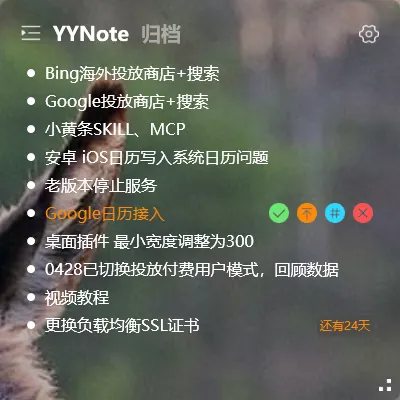
The two worst things that can happen with todos: forgetting to do them, or remembering after the deadline has passed.
Setting reminders is the direct solution.
Setting a Reminder for a Todo
Section titled “Setting a Reminder for a Todo”Method 1: Set during editing
- Click on an existing todo to enter edit mode
- Find the “Reminder” setting
- Choose a reminder time (specific time)
- Save
Method 2: One-phrase smart creation
Type in the todo input box: “Call the client tomorrow at 9 AM”
The system automatically recognizes:
- Task subject: Call the client
- Reminder time: Tomorrow at 9 AM
No need to manually select time — one phrase handles it all.
Reminders Support Recurrence
Section titled “Reminders Support Recurrence”For recurring tasks, you can set recurring reminders:
- Every day at 9 AM: Daily standup
- Every Friday at 5 PM: Submit weekly report
- Every 1st of the month: Bill payment reminder
- Every birthday: Automatic reminder
Recurring todos are managed as rules — each time the rule triggers, the system automatically generates a new todo, so you never miss an occurrence.
Sticky Notes Don’t Support Reminders
Section titled “Sticky Notes Don’t Support Reminders”Sticky notes have no time attribute and don’t support reminders. If you need a reminder, record the content as a todo, not a sticky note.
What If Reminders Don’t Appear
Section titled “What If Reminders Don’t Appear”If you don’t receive a notification at the reminder time:
- Check that system notification permissions are enabled
- Check that YYNote is added to the system’s background whitelist (some security software may restrict background notifications)
- Confirm the todo has the correct reminder time set
Final Thoughts
Section titled “Final Thoughts”No flashy new features, just continuous refinement. Reminders are the core of todo management. Set them up properly, and you’ll never miss an important task again.